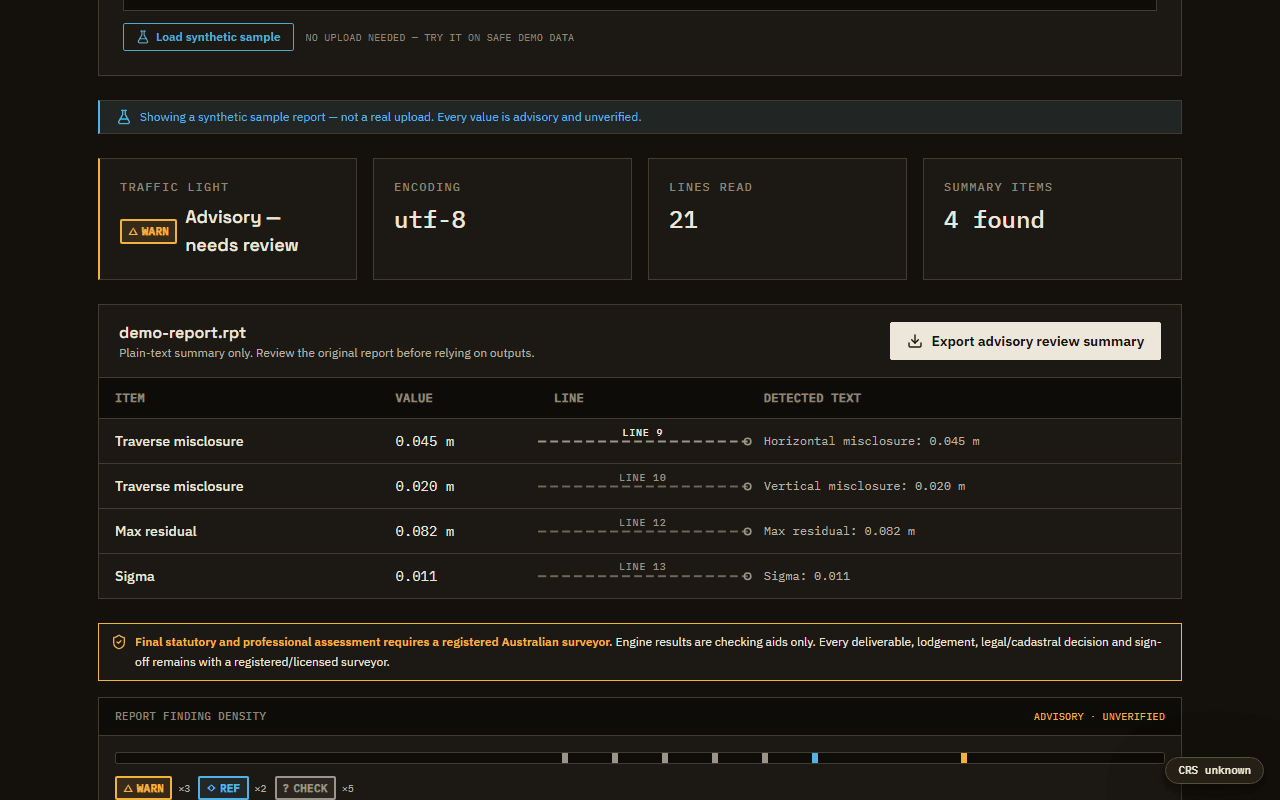
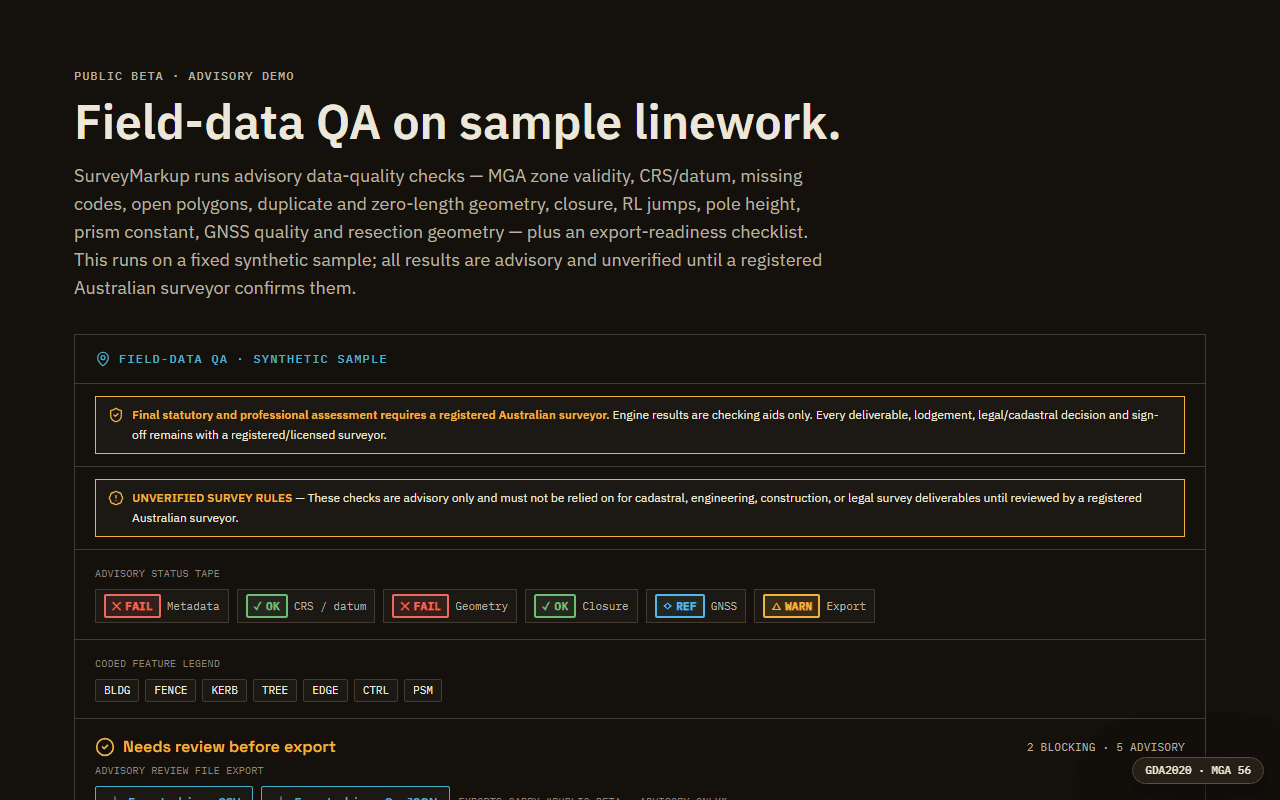
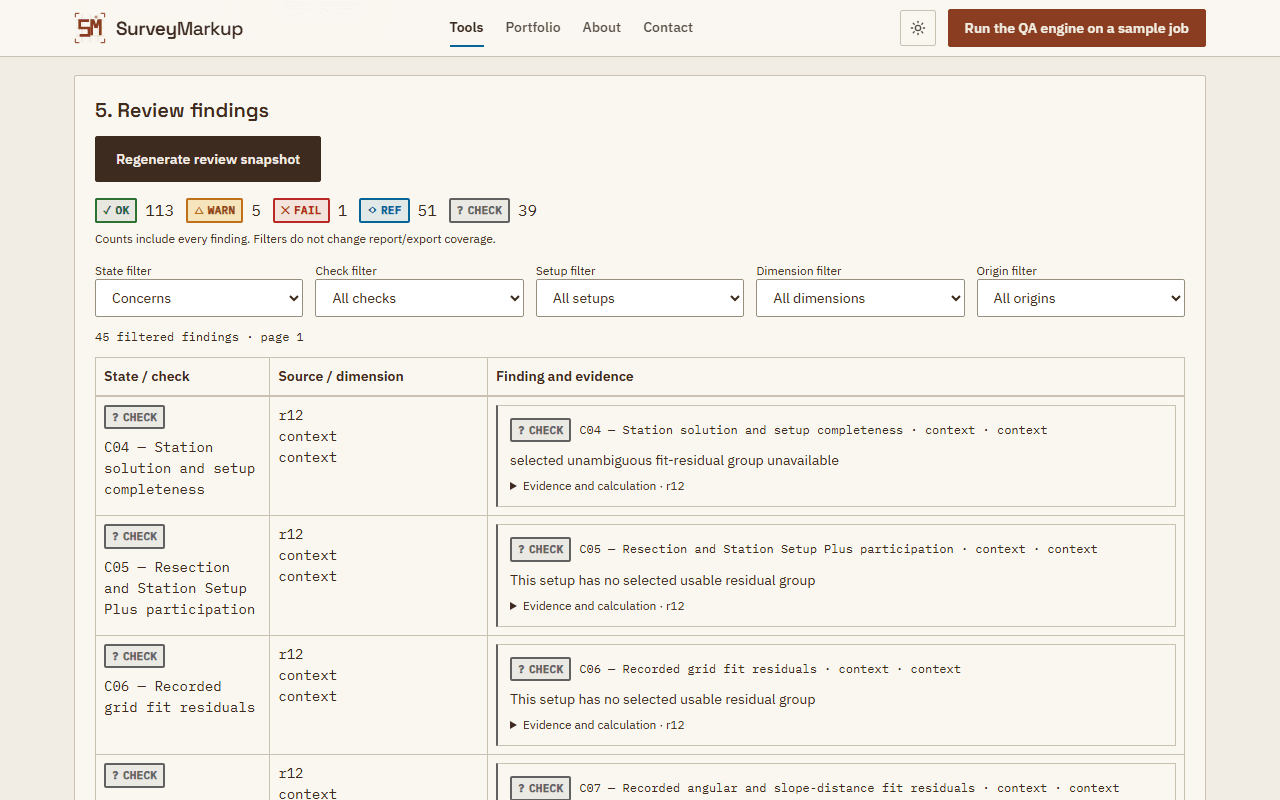
Survey tools first: a rule-based QA engine, a report reader that links line-level findings to their source lines, traverse-misclose and grid-to-ground calculators, a linework map, and the new Field-to-Office QA review of recorded field observations.
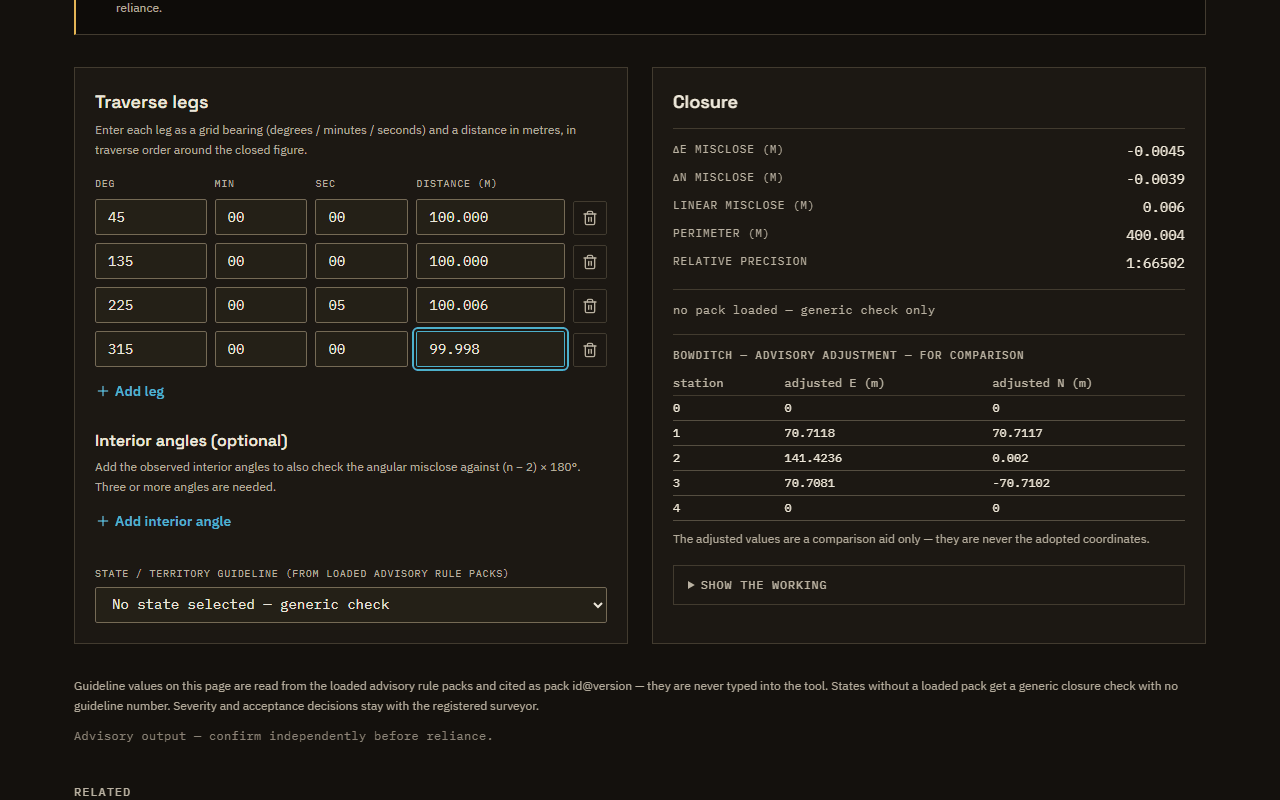
Linear and angular misclose, relative precision, and Bowditch or Transit advisory coordinate tables with browser-local CSV. Guidelines come from loaded rule packs.
Runs in this browser and does not upload the entered working values.
Advisory working only; review the shown method and have the registered surveyor decide.
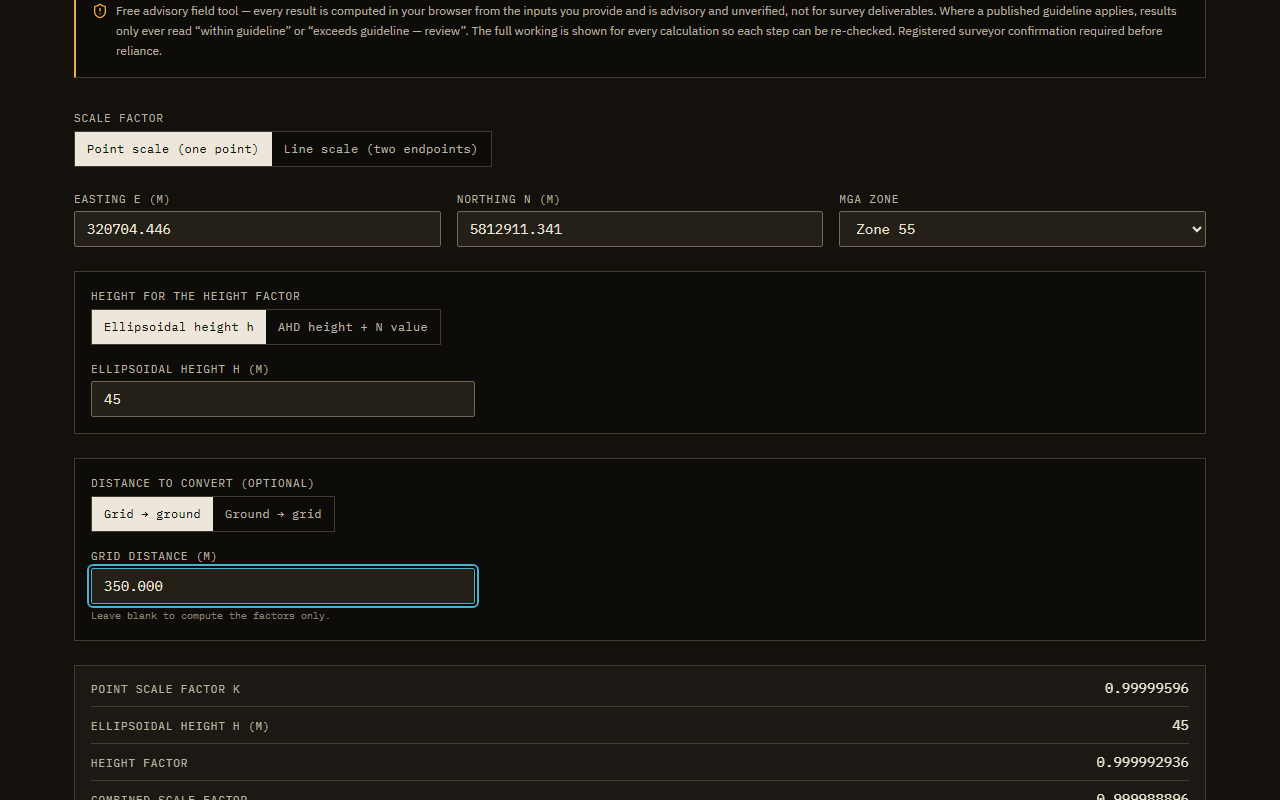
Point and line scale factor, height factor and combined scale factor for MGA2020 — convert grid and ground distances both ways with the full working shown.
Runs in this browser and does not upload the entered working values.
Advisory working only; review the shown method and have the registered surveyor decide.
Review recorded survey setups, residuals, checks and point rows against user-entered limits, with browser-local advisory findings and print, JSON and CSV reports.
Runs in this browser and does not upload the entered working values.
Advisory working only; review the shown method and have the registered surveyor decide.
Signed-in workflows and side projects. They are listed for completeness; the six above are the ones to try.
Project Review Pack
Review workflow
A project-backed review workspace that keeps files, coverage, source-linked attention items and reviewer decisions together.
Advisory Review Exports
Review workflow
Builds traceable HTML, JSON and CSV handoff files that retain evidence references, coverage limits and advisory wording.
Project Review Queue
Review workflow
Aggregates the signed-in owner's real project findings into one evidence-linked review register.
Standards Information Assistant
AI-assisted reference
Provides bounded, source-linked standards information to signed-in users once the provider gate is enabled.
PDF Viewport Pin Prototype
Experimental review workflow
Experiments with saved advisory pins over the first visible PDF viewport without changing the source document.
ReachDesk Remote Desktop
Systems prototype
A local-first self-hosted remote-desktop experiment covering relay transport, session control and high-speed screen delivery.
Questions
Want to know how something was built?
Ask about any tool, the maths behind it or the testing. You reach me directly. Please do not attach or paste client files, credentials or complete coordinate datasets.
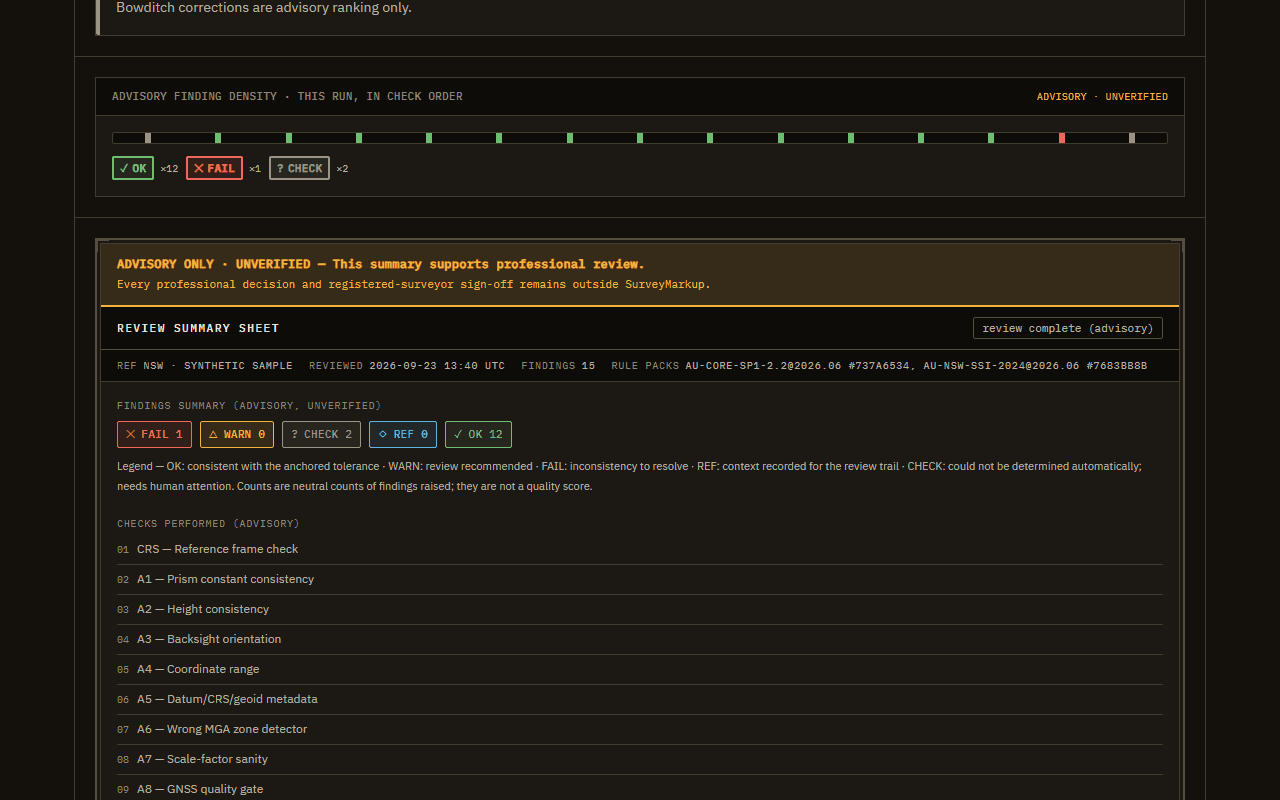 Synthetic preview